

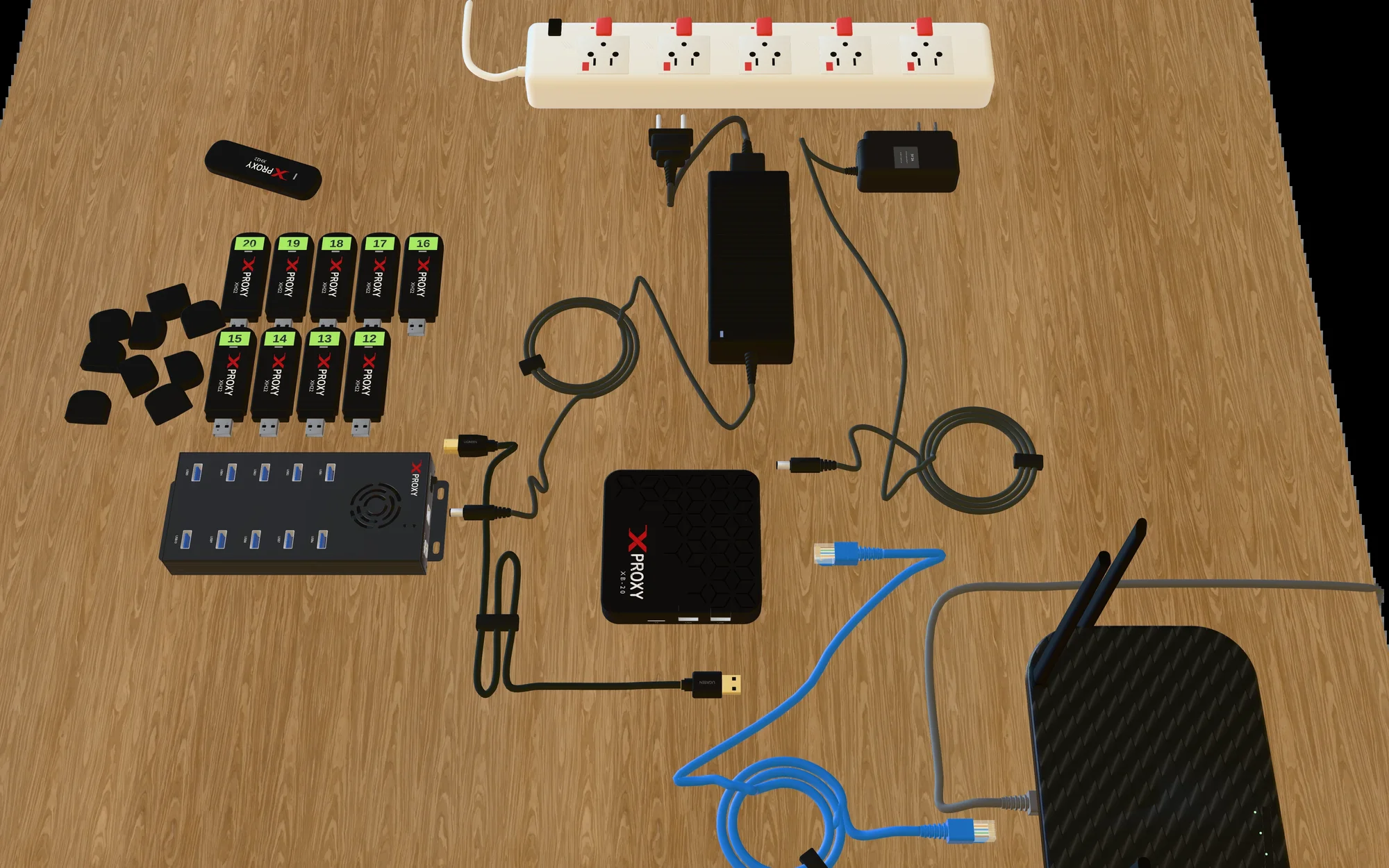
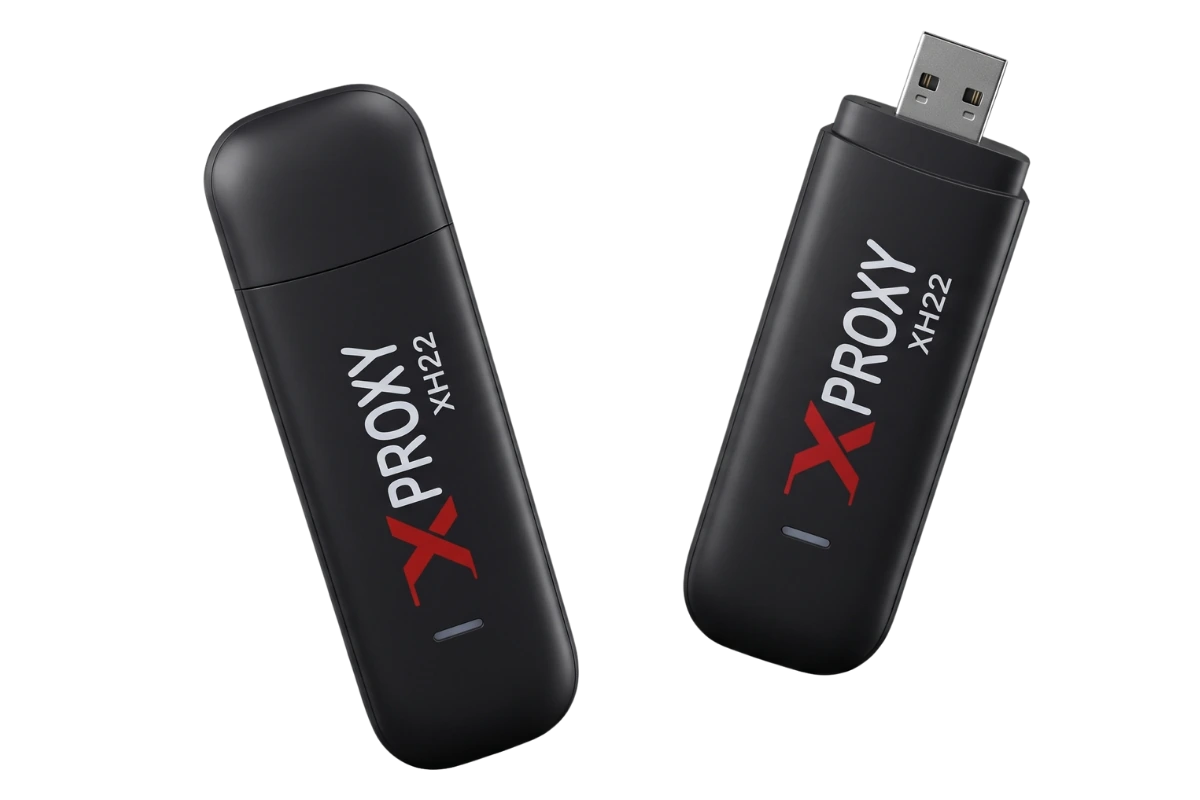
 Start smallXH22 Kit4G · up to 150 MbpsSee the shopShop · 3D guide
Choose your XProxy mobile proxy kit by speed and 5G coverage. Then check which computer runs it.
Prices are for the 5-modem kit.
Start smallXH22 Kit4G · up to 150 MbpsSee the shopShop · 3D guide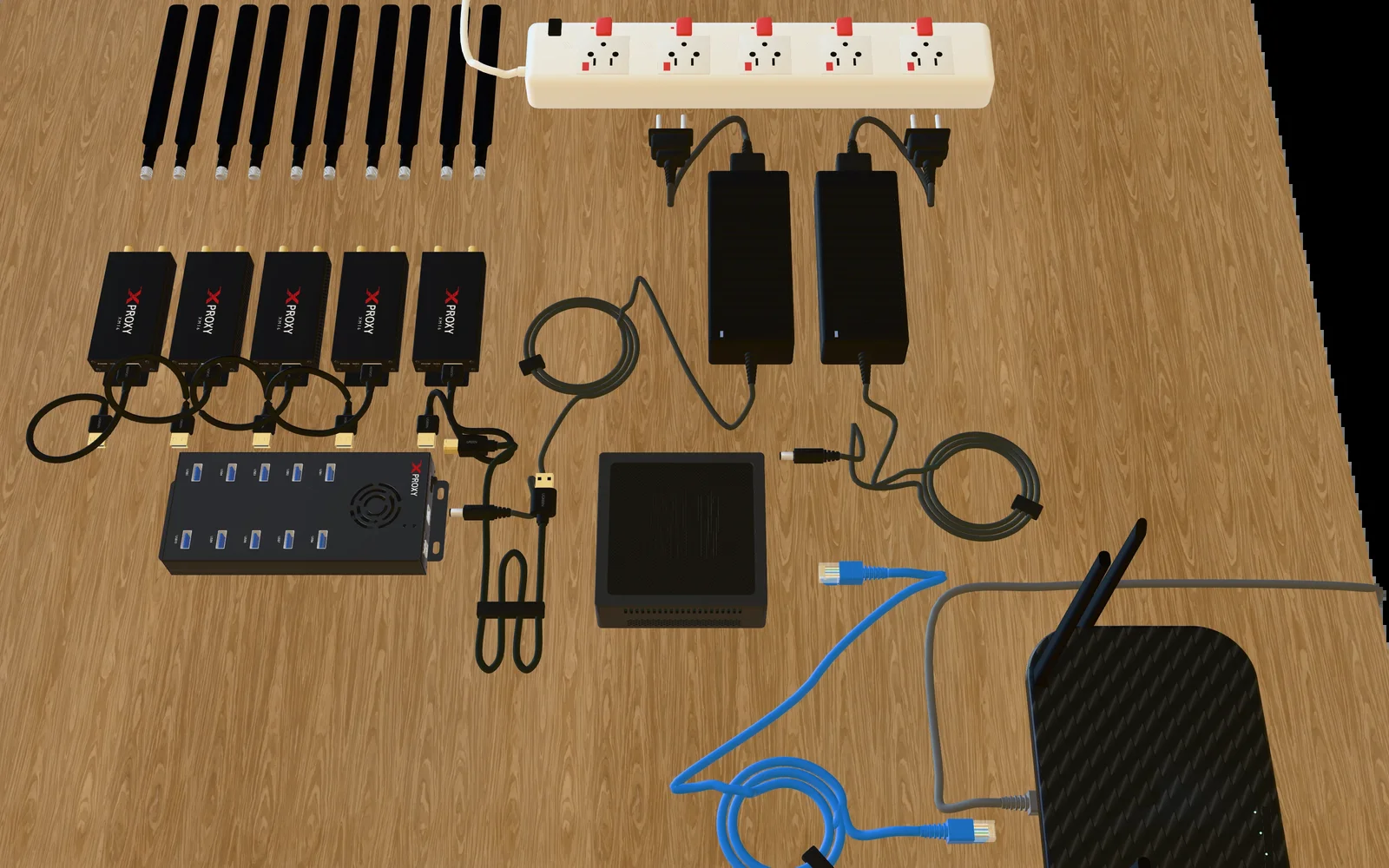
 More speedXM16 Kit4G+ · up to 600 MbpsSee the shopShop · 3D guide
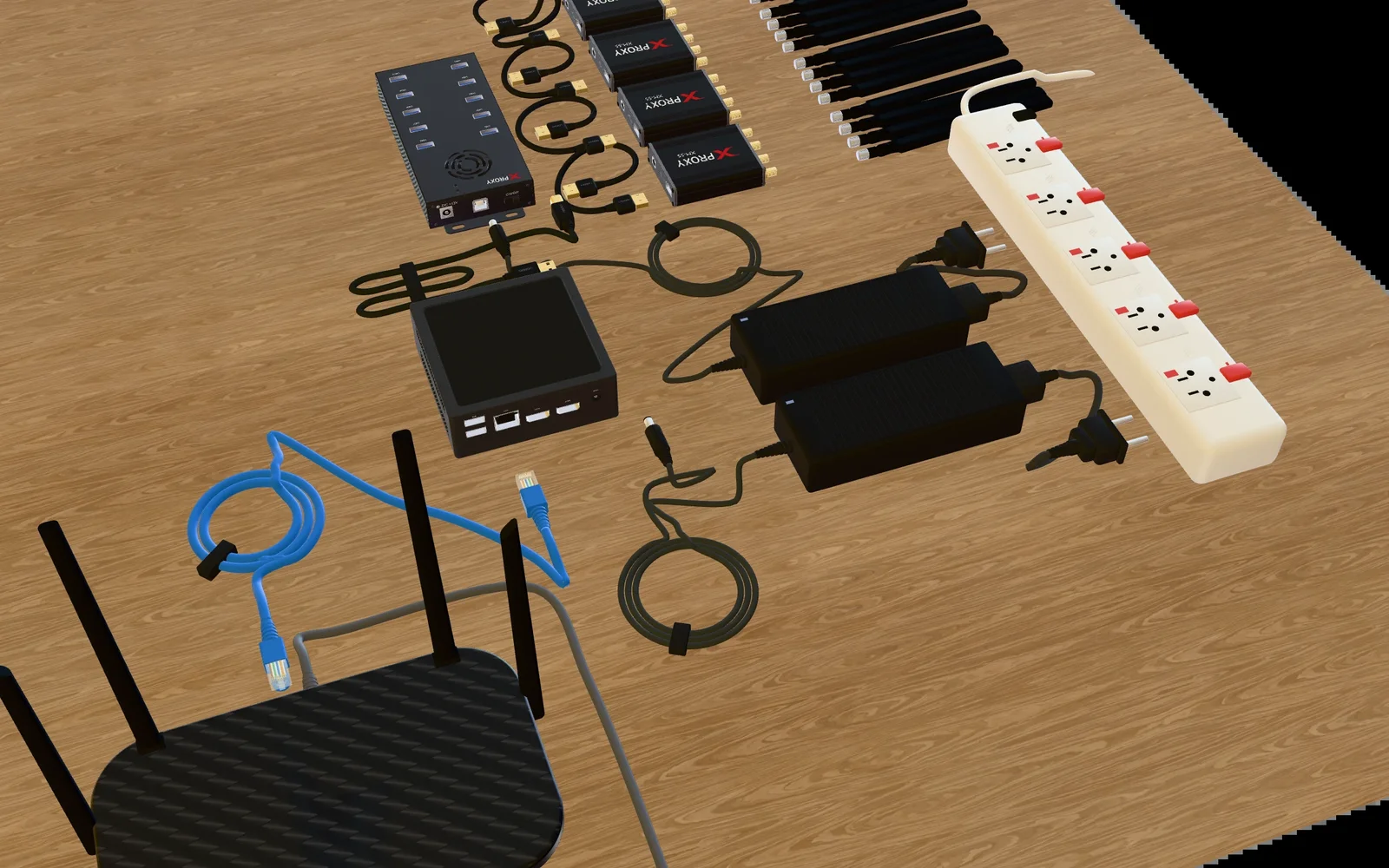
 5G on USBXM55 Kit5G · up to 2.5 Gbps · USB hubSee the shopShop · 3D guide
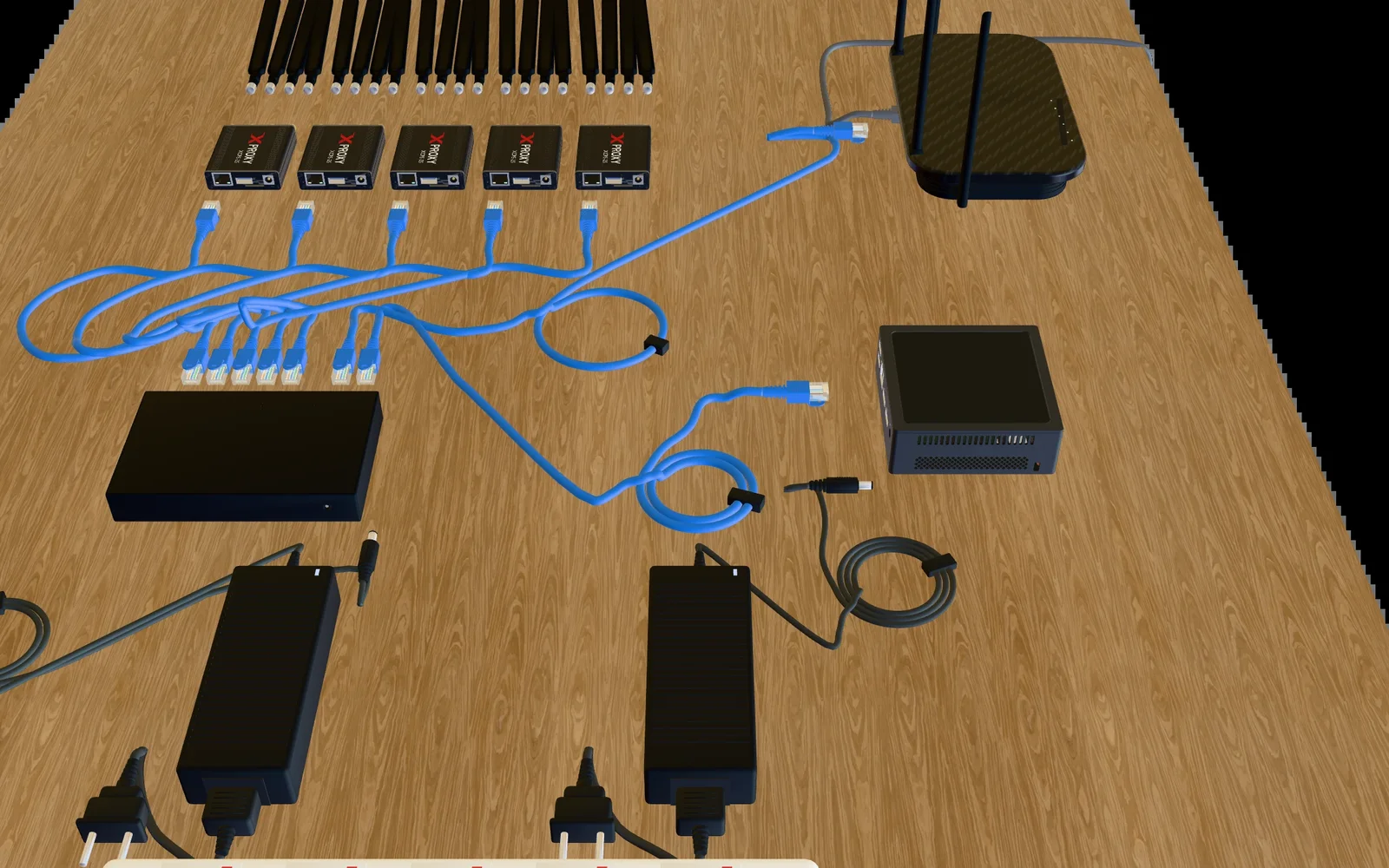
 5G on networkXCPE Kit5G · up to 2.5 Gbps · network portSee the shopShop · 3D guide
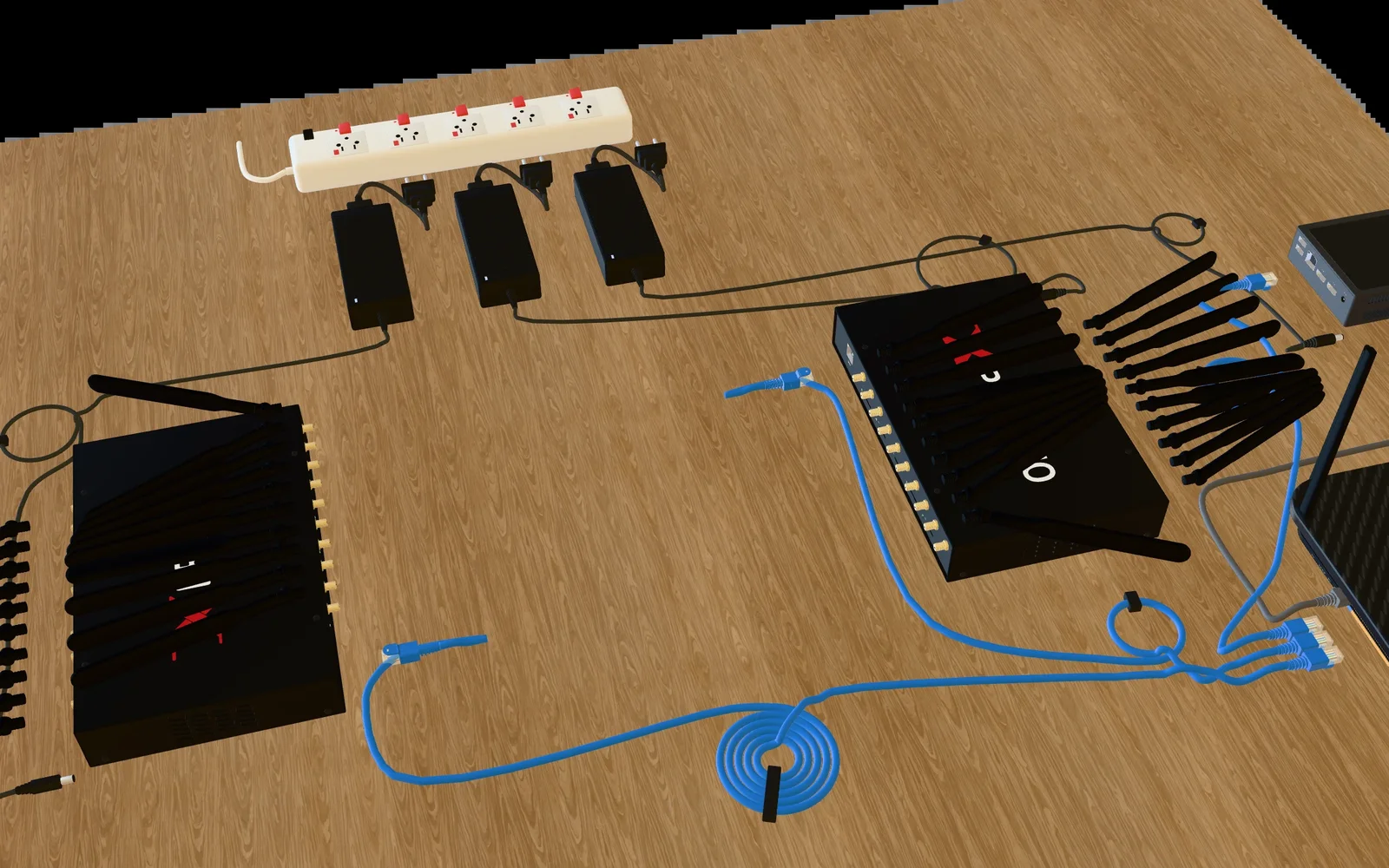
 All-in-oneXLE-5 KitServer and 5 modems in one boxSee the shopShop · 3D guide
Kit picker
Answer the 3 questions to see your kit.
More bands joined together make a wider pipe, so more data flows at once.
4G
Up to 150 Mbps
4G+ (LTE Advanced)
Up to 600 Mbps
5G
Up to 2.5 Gbps
Illustration: pipe width and flow speed are not to scale. Speeds are rated maximums.
Rated maximum (spec), not a measured speed
XH224GXM164G+XM55 and XCPE5GXLE-5 (LTE+)4G+XLE-5 (5G)5GReal speed depends on your carrier and signal.
| Kit | XH22 Kit | XM16 Kit | XM55 Kit | XCPE Kit | XLE-5 Kit |
|---|---|---|---|---|---|
| Network | 4G (LTE Cat 4) | 4G+ (LTE Advanced, Cat 12) | 5G Sub-6, falls back to 4G | 5G Sub-6, falls back to 4G | LTE+ (Cat 12) or 5G Sub-6 |
| Connects through | USB 2.0 hub | USB 3.0 hub | USB 3.0 hub | Network switch (no USB) | Straight to your router (one unit). A network switch for more units |
| Server in the kit | XB26 up to 40 modems, then Mini XS | XB26 up to 20 modems, then Mini XS | XB26 up to 20 modems, then Mini XS | Mini XS and an 8-port switch | Built in. 10 or more: Mini XS and a switch |
| Set-up time | About 10 minutes | About 15 minutes | About 20 minutes | About 30 minutes | About 25 minutes |
| Price, 5 modems | See the shop | See the shop | See the shop | See the shop | See the shop |
Match your carrier.
150 Mbps, 600 Mbps or 2.5 Gbps.
USB 2.0 for XH22. USB 3.0 for XM16 and XM55.
A powered hub, 1.2 to 2 A a port.
Micro for XH22, Standard for the rest.
Using modems you already own? See Bring your own hardware.
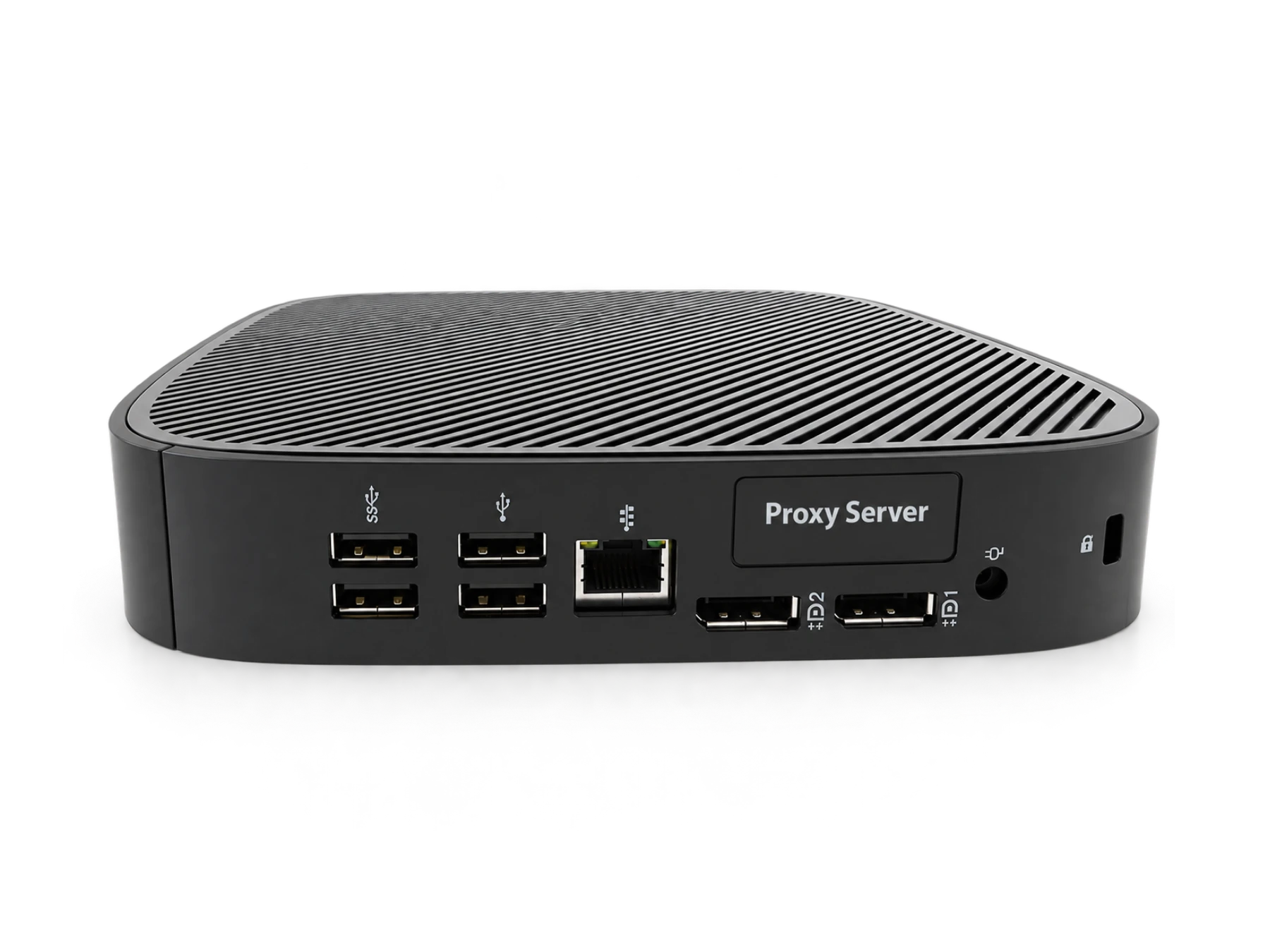 XB26 Tiny Server
XH22 5–40XM16 · XM55 5–20
See the shop
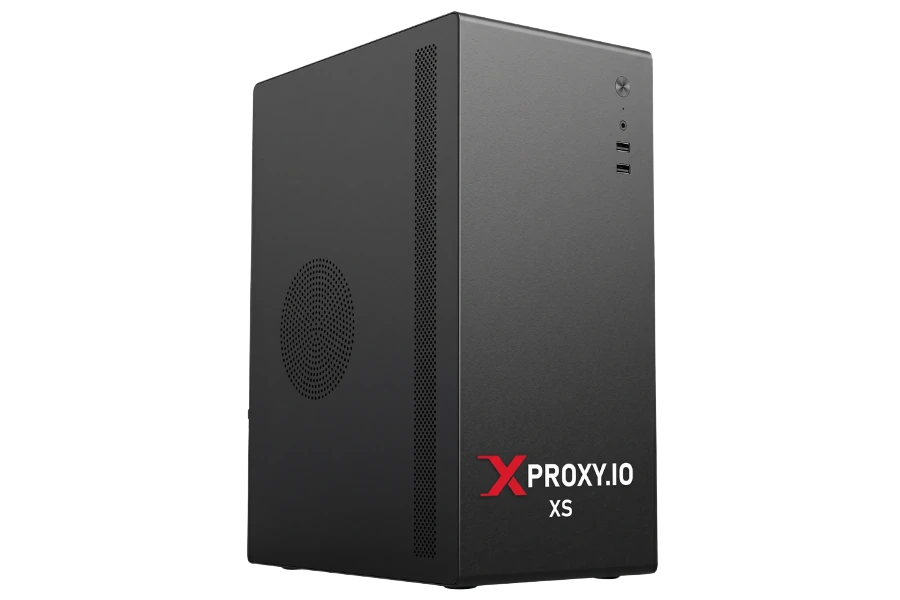 Mini XS Server
XH22 100XM16 · XM55 30–100XCPE allXLE-5 10–20
See the shop
Free software, up to 5 modems
Coming soon: the XProxy XB-20 box, in the shop later.
Check 4G or 5G where the box will sit. All countries · United States
XH22: Micro. Others: Standard. Not in the box.
Not in the box. The router needs a free LAN port.
The hub's 12 V adapter goes into the hub only.
Free up to 5 modems. Upgrade for more.
The XH22 kit. It has the lowest cost to start, and comes with a server, a USB hub and the software already installed. It takes about 10 minutes to set up. Start with 5 modems, which the Free plan covers, and add more later.
Speed. The XH22 (4G) is rated up to 150 Mbps, the XM16 (4G+) up to 600 Mbps, and the XM55 and XCPE (5G) up to 2.5 Gbps, usually 300 to 1200 Mbps in real use. A 5G modem falls back to 4G where there is no 5G, so check your coverage first. The carrier on your SIM decides which IPs you get, not the modem.
Check five things: the network and bands your carrier uses, the top speed, a USB 2.0 or USB 3.0 hub, the power each port gives, and the SIM size. XProxy modems also change IMEI and rotate the IP in about 3 seconds.
The XB26 Tiny Server runs up to 40 XH22 or up to 20 XM16 or XM55 modems. The Mini XS runs up to 100 XH22 or XCPE-25 modems, or up to 50 XM16 or XM55. Kits ship with the right one. XLE-5 units have a server built in.
Yes. Install Ubuntu 22.04 to 26.04 on a 64-bit PC or mini PC, then install the XProxy software with a few commands. The install guide erases the PC, so use one you do not need.