
Why Build Your Own Proxy
For web scraping, social media management, ad verification, and automation, proxy quality dictates your success rate. This guide compares proxy types, evaluates the economics of renting vs. building, and shows why owning your mobile proxy farm delivers the highest ROI.
Shared Public Proxies vs. Private Mobile Proxies
Rented public proxies are shared across hundreds of users, leading to flagged subnets and frequent bans. A private mobile proxy farm gives you dedicated, fresh cellular IPs with dynamic rotation and zero shared load.
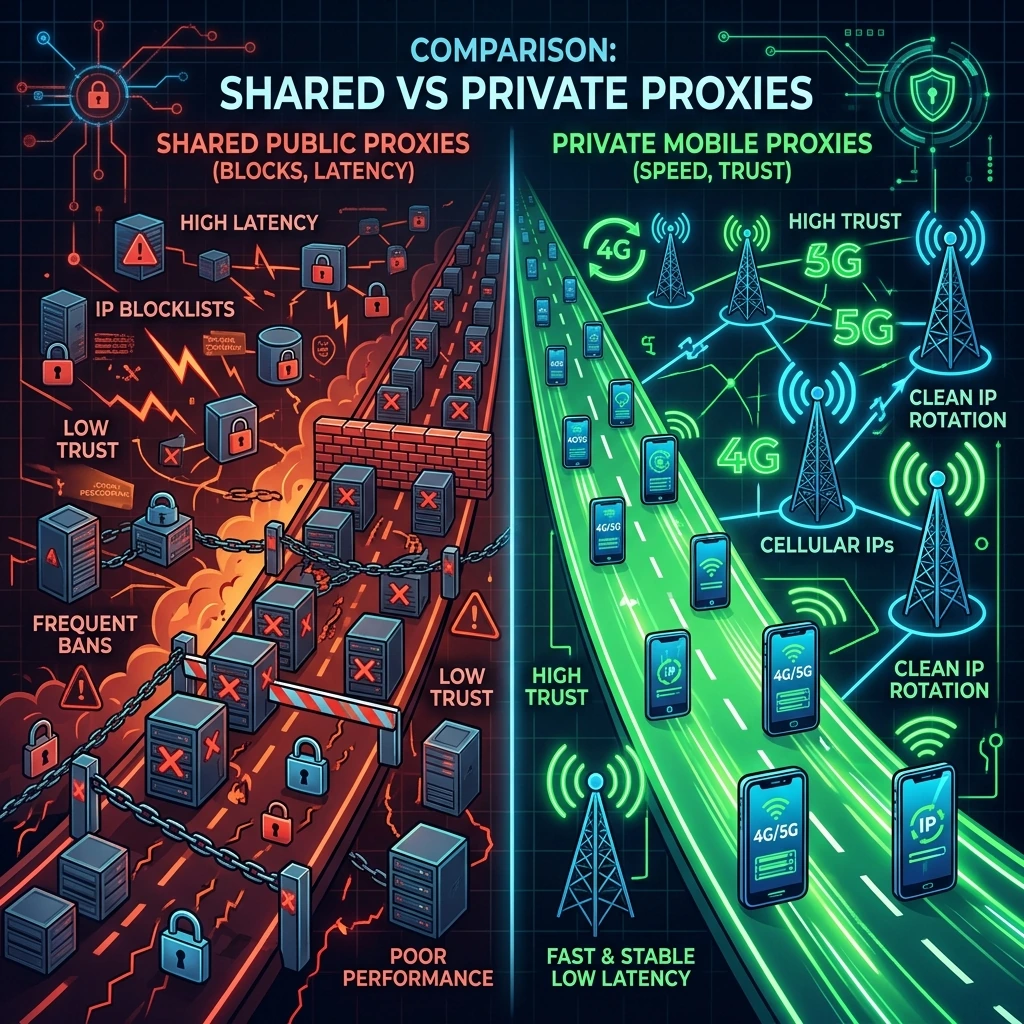
Comparing Proxy Architectures
Datacenter/VPS Proxies
- Source: Host servers and cloud providers (AWS, DigitalOcean).
- IP Trust Score: Very Low. Datacenter IP ranges are easily identified and permanently blacklisted by Cloudflare, Akamai, and Google.
- Use Case: Bulk operations on low-security targets.
Residential Proxies
- Source: Leased home internet networks (often via SDKs in consumer apps).
- IP Trust Score: Medium-High. Good trust, but connections are highly unstable since home routers disconnect frequently.
- Pricing: Extremely expensive, metered billing (charged per Gigabyte).
Mobile 4G/5G Proxies (The Gold Standard)
Mobile carrier networks route millions of phone connections through a limited pool of cellular IP addresses using CGNAT (Carrier-Grade NAT). Because thousands of real mobile users share the same IP, major websites cannot ban a mobile IP without blocking thousands of legitimate retail customers. This gives mobile proxies an unmatched trust score.
- IP Trust Score: Extremely High. Invisible to standard bot-detection systems.
- Uptime: 100% stable, backed by cellular towers and local host server.
Renting vs. Building: The Economics
Commercial mobile proxy providers rent single ports for $40 to $80 per month. If your automation projects require multiple ports, the costs scale exponentially. Let's compare the costs of running a **20-port mobile proxy setup** over a 12-month period:
| Cost Parameter | Renting 20 Mobile Ports | Building 20-Port Farm (DIY) |
|---|---|---|
| Upfront Cost | $0 | ~$590 (SBC, Hub, 20 Dongles, License) |
| Monthly Expense | $1,200 ($60/port × 20) | $200 (20 Unlimited SIM cards × $10) |
| Year 1 Total Cost | $14,400 | $2,990 (Savings: $11,410!) |
| Breakeven Point | N/A | Month 1 (ROI achieved immediately) |
Key Advantages of Owning Your Farm
- 100% Traffic Privacy: Many public proxy providers log and monitor your target URLs and sensitive account data. Running your own hardware ensures your automation workloads remain entirely confidential.
- Instant IP Rotation API: Rotate IPs instantly via a simple API call or schedule rotations on custom intervals. XProxy reboots modems or switches mobile subnets in under 3 seconds.
- Dedicated Geolocation targeting: Connect to specific cellular towers in your target city or country by placing your hardware and SIM cards in the desired location.
- Dual-Stack IPv4 & IPv6: Generate modern dual-stack proxies to bypass IPv6-strict websites and security challenges.
