

Which XProxy Kit Do I Have?
Ask AI
Ready taskExplain this page and answer my questions
Chat assistants
Open in ChatGPTNew tabOpen in ClaudeNew tabCoding agents
Claude CodeOpens the desktop appCodexOpens the desktop appCursorOpens the app from the webCopy
View as MarkdownPlain text for AI toolsSee the prompt
Read https://xproxy.io/document/xproxy-kits.md, the XProxy guide "Which XProxy Kit Do I Have?". If you cannot open links, download them with curl. Then answer my questions about it in simple words, and tell me what it means for my own setup. Start by asking what I want to know or decide.
Other XProxy guides, each with a Markdown copy at its URL + .md, are listed in https://xproxy.io/llms.txt.
The app opens with the prompt filled in. Nothing runs until you press Enter.
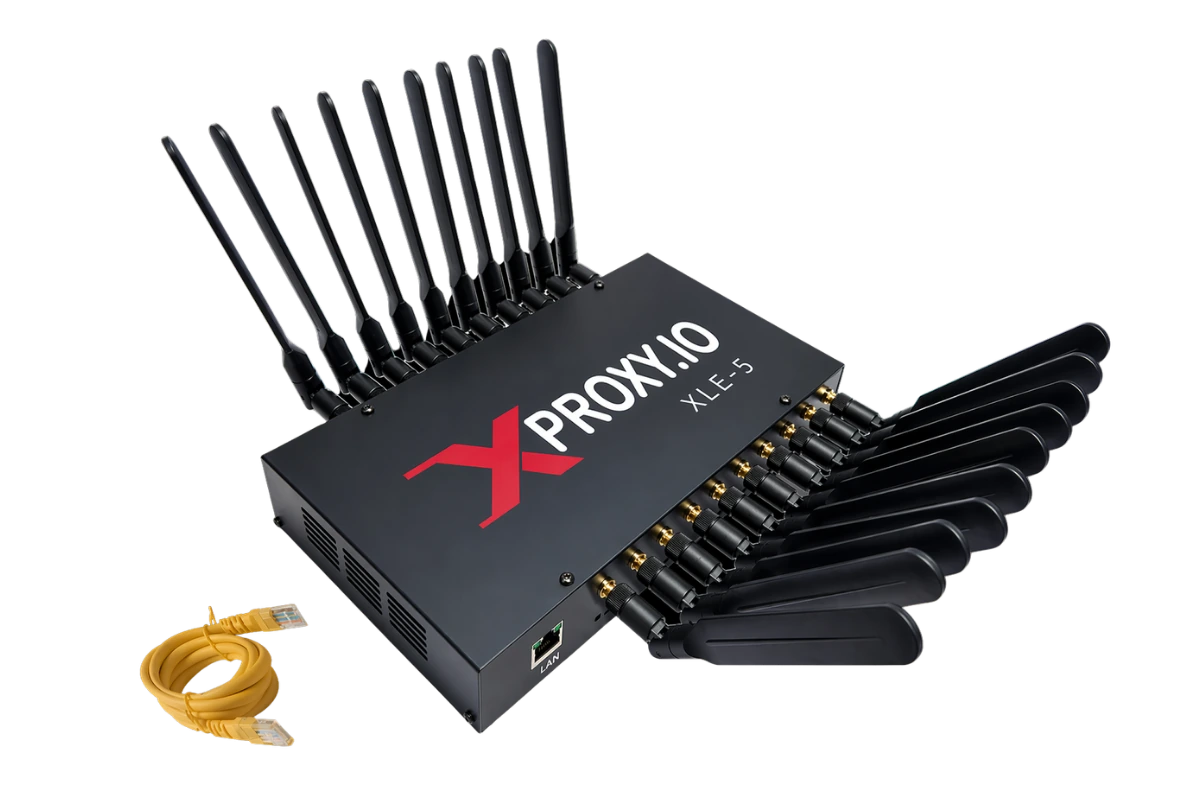
Pick the kit you received. Each guide shows the setup step by step in 3D, from the box to working proxies.
Not sure? Look at the modems: the name is printed on each one (XH22, XM16, XM55, XCPE or XLE5).
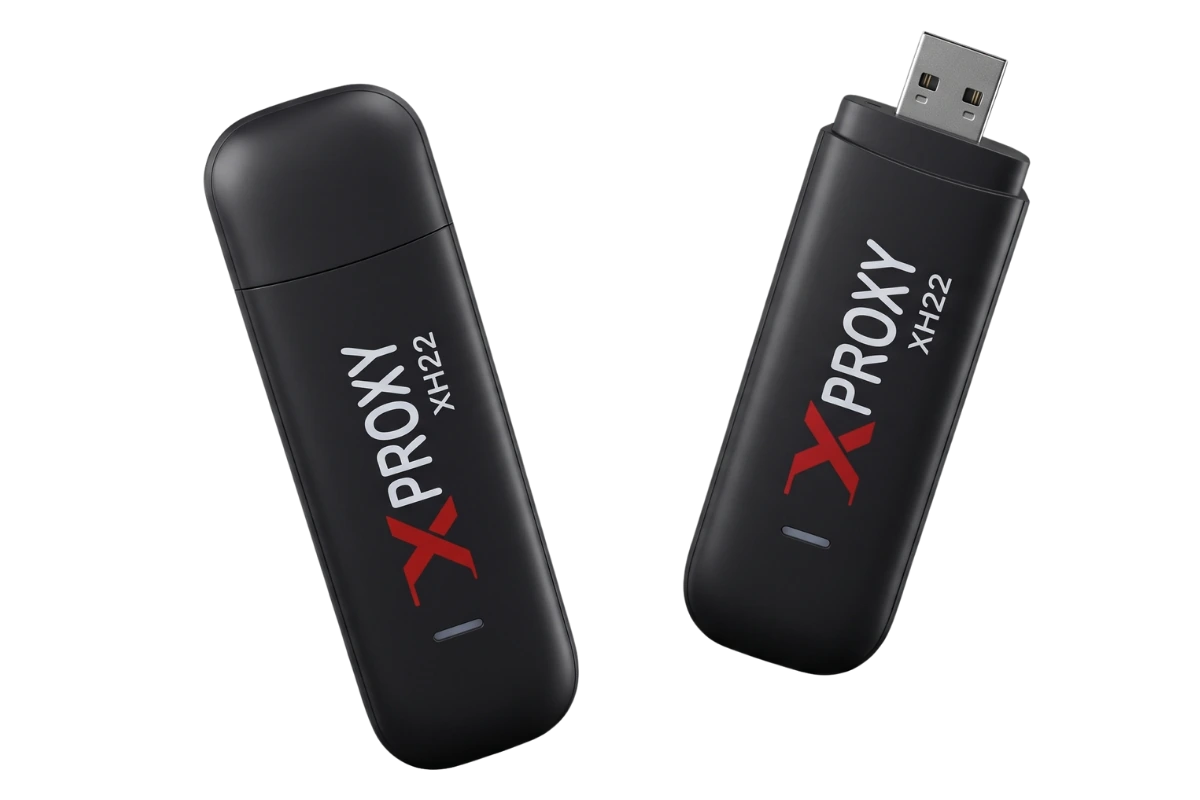
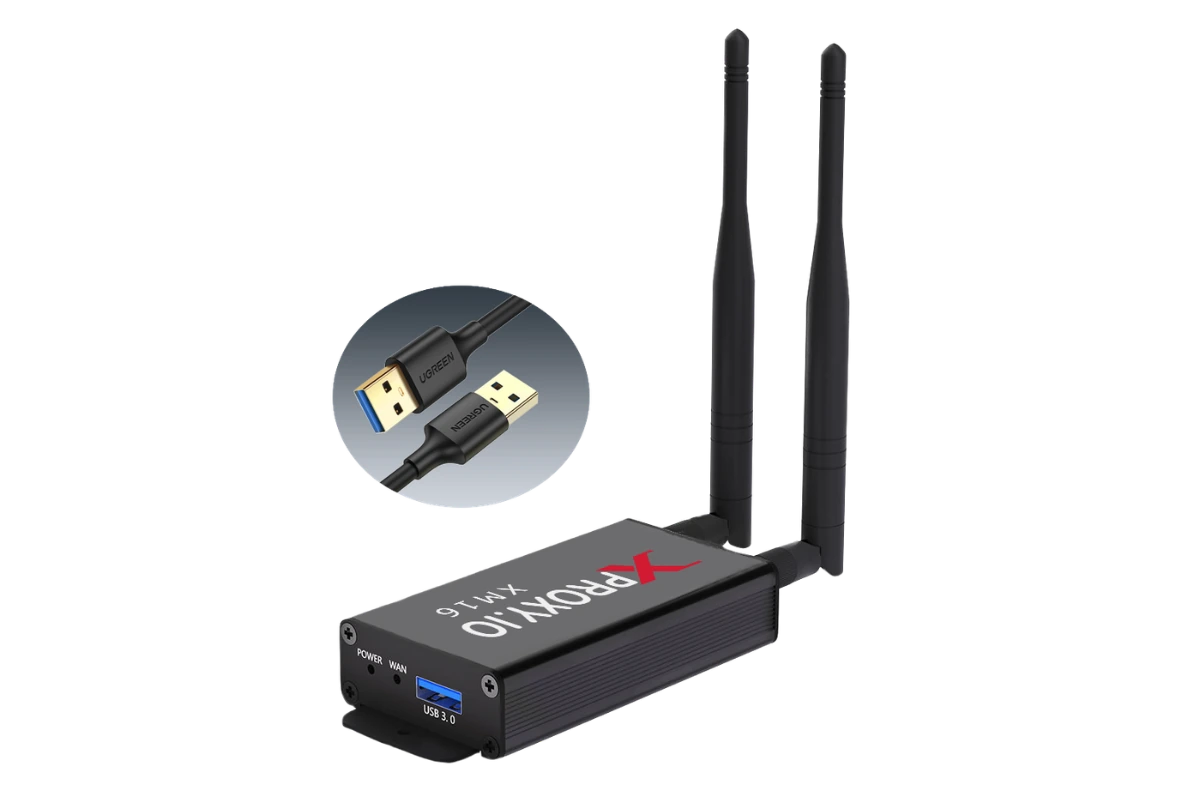
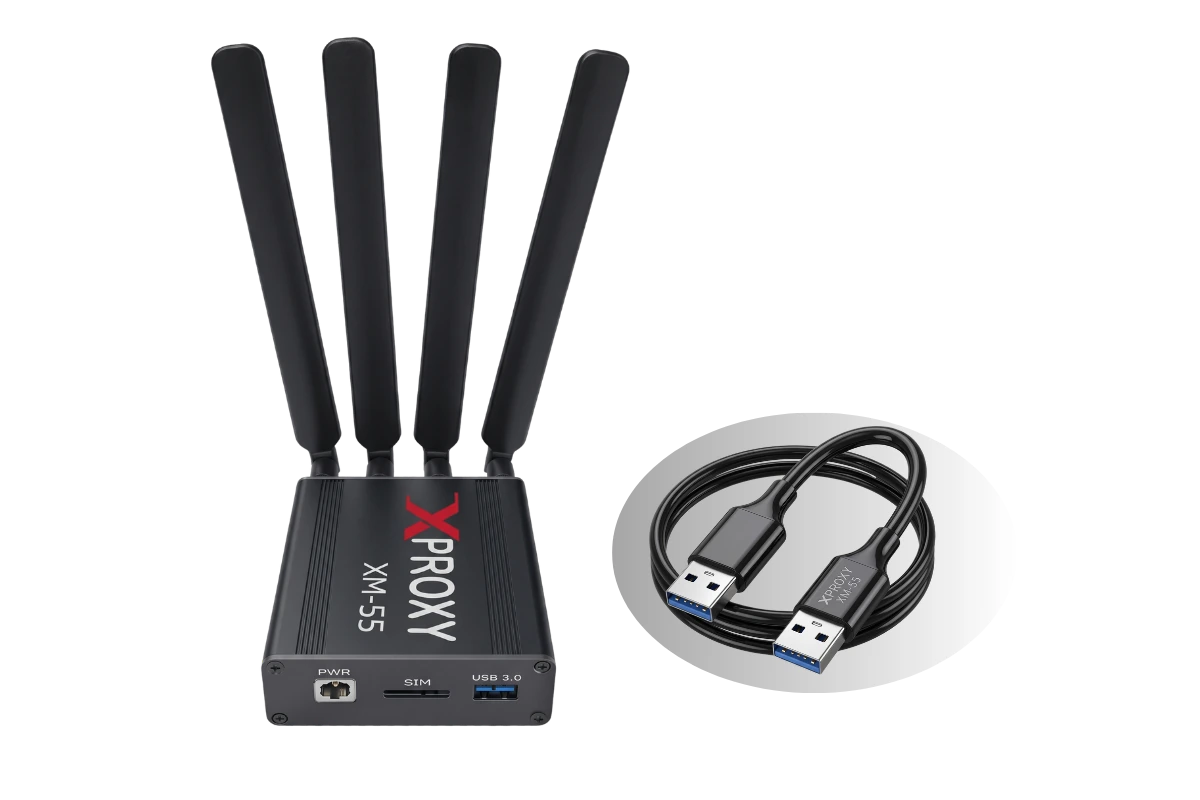
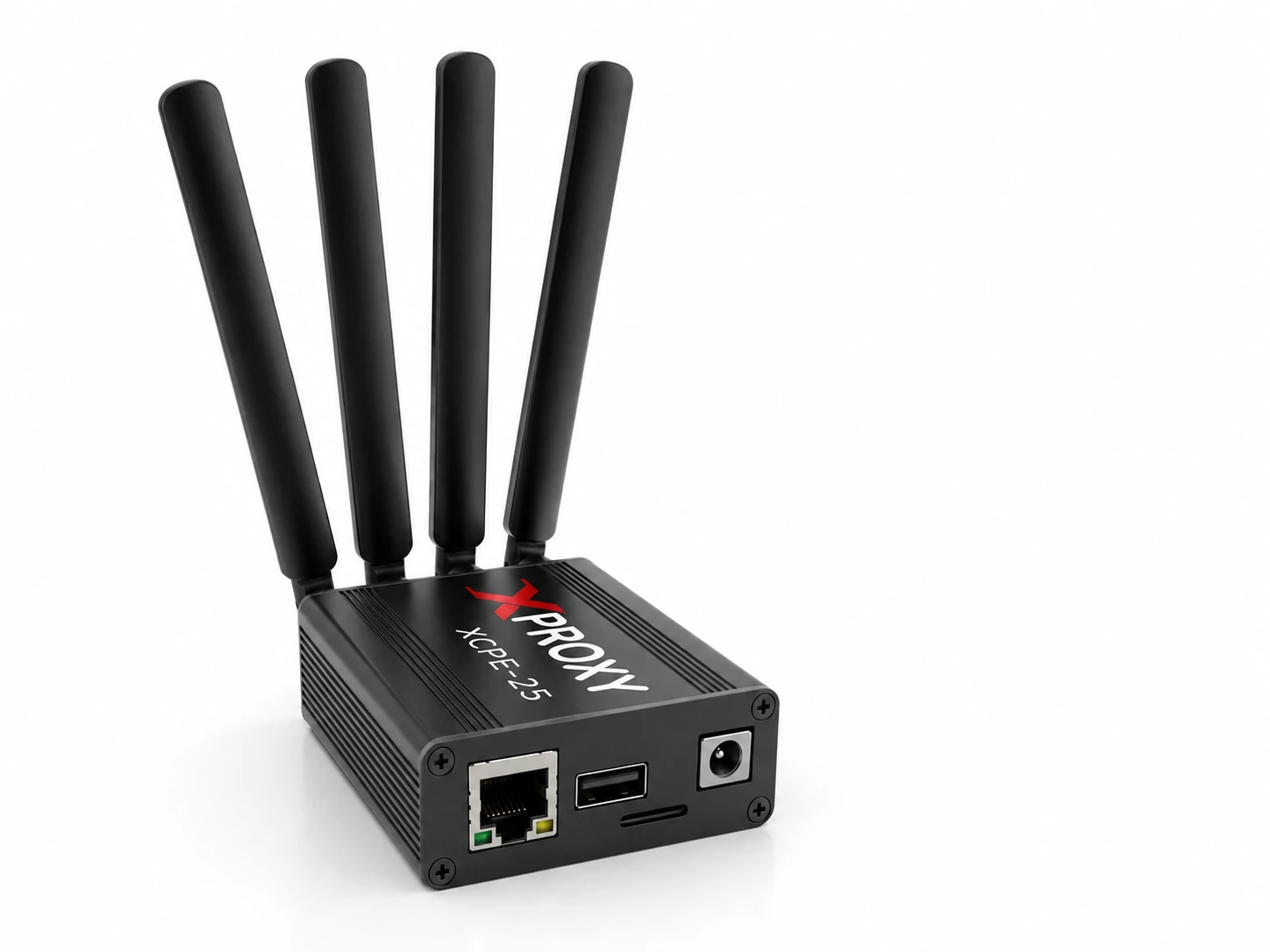
Still choosing a kit? See Which kit should I buy? Building your own setup instead? See Install the software.
Still stuck?A technician can look at your device with a one-time PIN, or chat with us on Telegram.