
Python Scrapy との連携
Learn how to configure Python Scrapy crawlers to route requests through XProxy ports and implement custom middleware to handle automatic IP rotation on request milestones.
Why use Scrapy with XProxy?
Scrapy is an asynchronous Python scraping framework designed for high-performance data crawling. When running high-throughput scrapers, using metered cloud proxies leads to massive monthly costs. Running Scrapy through your own XProxy farm with local SIM cards provides unlimited data pipelines, saving you thousands of dollars while leveraging dynamic carrier CGNAT IPs.
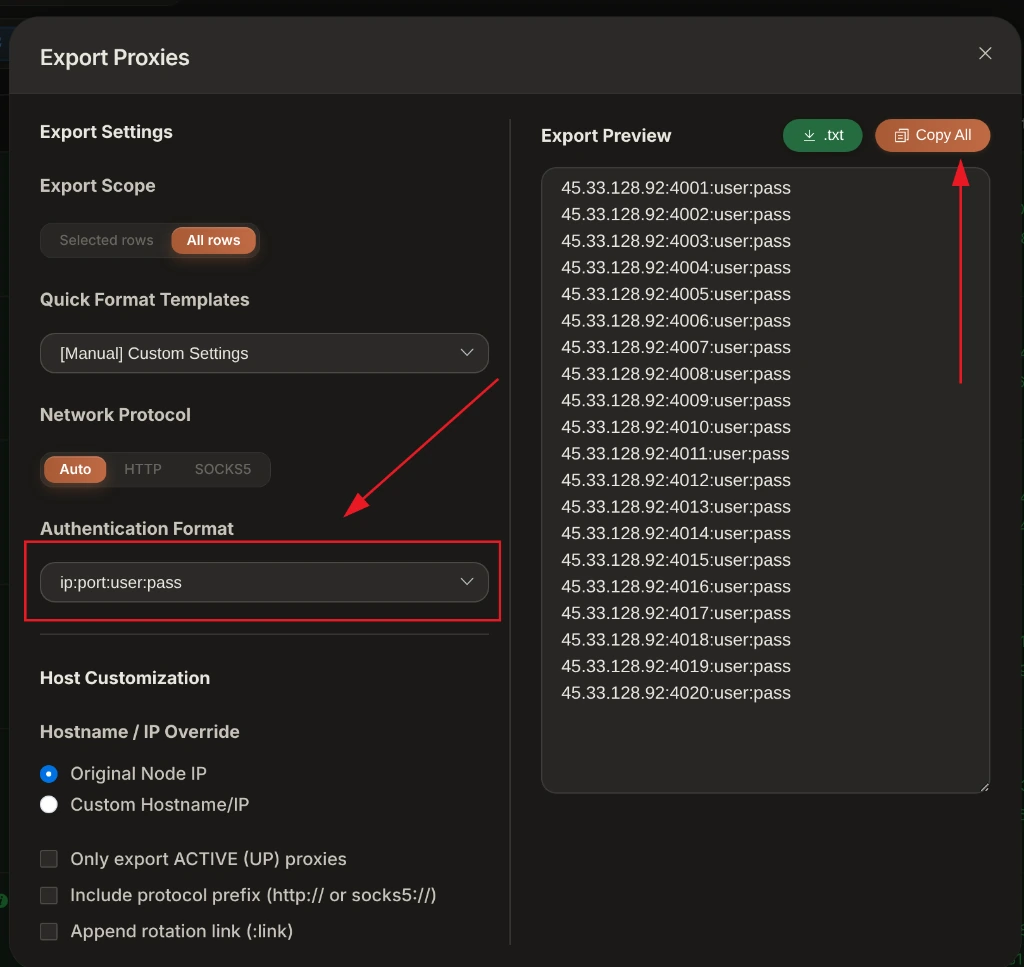
Basic proxy configuration in Scrapy
The simplest way to use XProxy in Scrapy is by configuring the standard HttpProxyMiddleware and adding the proxy settings directly to settings.py or specifying it per request.
Option A: Global configuration in settings.py
Open your Scrapy project's settings.py and add the following settings:
# Enable the default HTTP Proxy Middleware
DOWNLOADER_MIDDLEWARES = {
    'scrapy.downloadermiddlewares.httpproxy.HttpProxyMiddleware': 400,
}

# Define your XProxy SOCKS5 or HTTP proxy URL
# Replace 192.168.6.7:5001 with your XProxy server IP and port
HTTP_PROXY = 'http://your_username:[email protected]:5001'

# Set proxy to environment variable (or configure in custom middleware)
Option B: Pass proxy dynamically per Request
You can also assign a proxy connection directly inside your spider file to individual requests:
import scrapy

class MySpider(scrapy.Spider):
    name = 'myspider'

    def start_requests(self):
        urls = ['https://httpbin.org/ip']
        for url in urls:
            yield scrapy.Request(
                url=url,
                callback=self.parse,
                meta={
                    # Route this specific request through XProxy port 5001
                    'proxy': 'http://your_username:[email protected]:5001'
                }
            )

    def parse(self, response):
        self.logger.info(f"Response: {response.text}")
Advanced: Automatic IP rotation middleware
To rotate your XProxy mobile IP automatically when Google throws a CAPTCHA, or after a specific number of page requests, implement a custom Scrapy middleware:
import time
import requests
from scrapy.exceptions import NotConfigured

class XProxyRotationMiddleware:
    def __init__(self, rotate_url, request_limit=100):
        self.rotate_url = rotate_url
        self.request_limit = request_limit
        self.request_count = 0

    @classmethod
    def from_crawler(cls, crawler):
        # Read settings from settings.py
        rotate_url = crawler.settings.get('XPROXY_ROTATE_URL')
        request_limit = crawler.settings.getint('XPROXY_REQUEST_LIMIT', 100)

        if not rotate_url:
            raise NotConfigured

        return cls(rotate_url, request_limit)

    def process_request(self, request, spider):
        self.request_count += 1

        # Trigger rotation if limit reached
        if self.request_count >= self.request_limit:
            spider.logger.info("Request limit reached. Triggering XProxy IP rotation...")
            self._trigger_rotation(spider)
            self.request_count = 0

    def _trigger_rotation(self, spider):
        try:
            response = requests.get(self.rotate_url)
            spider.logger.info(f"IP rotation triggered: {response.status_code} - {response.text}")
            # Wait for 6 seconds for cellular reconnection
            time.sleep(6)
        except Exception as e:
            spider.logger.error(f"Failed to trigger rotation: {str(e)}")
Activate the middleware in your settings.py:
DOWNLOADER_MIDDLEWARES = {
    'myproject.middlewares.XProxyRotationMiddleware': 350,
    'scrapy.downloadermiddlewares.httpproxy.HttpProxyMiddleware': 400,
}

# The XProxy Rotation API URL for your device position
XPROXY_ROTATE_URL = 'http://192.168.6.7:8081/api/v1/rotate_ip/position/1'
# Rotate the IP address after every 150 requests
XPROXY_REQUEST_LIMIT = 150