Integracja z Puppeteer i Playwright
Przewodnik dla programistów z kompletnymi przykładami kodu, pokazujący, jak kierować automatyczne scrapery Puppeteer i Playwright przez kanały mobilne XProxy, z uwzględnieniem obsługi uwierzytelniania proxy i automatycznej rotacji adresów IP.
Integracja z Puppeteer (Node.js)
Puppeteer pozwala przekazać serwer proxy w argumentach uruchomienia. Jeśli Twoje XProxy wymaga uwierzytelnienia, przed rozpoczęciem nawigacji musisz użyć metody page.authenticate().
const puppeteer = require('puppeteer');

(async () => {
  const browser = await puppeteer.launch({
    headless: true,
    args: [
      // Route all traffic through XProxy SOCKS5 or HTTP port
      '--proxy-server=socks5://192.168.6.7:5001'
    ]
  });

  const page = await browser.newPage();

  // If XProxy auth is enabled, authenticate here:
  await page.authenticate({
    username: 'your_xproxy_username',
    password: 'your_xproxy_password'
  });

  await page.goto('https://httpbin.org/ip');
  const body = await page.evaluate(() => document.body.innerText);
  console.log('Exit IP:', body);

  await browser.close();
})();
Integracja z Playwright (Node.js)
Playwright natywnie obsługuje konfiguracje proxy w opcjach uruchamiania przeglądarki, w tym parametry poświadczeń. Dzięki temu nie trzeba wykonywać osobnego kroku uwierzytelniania strony.
const { chromium } = require('playwright');

(async () => {
  const browser = await chromium.launch({
    proxy: {
      server: 'socks5://192.168.6.7:5001',
      // Optional credentials if authentication is enabled in XProxy Settings:
      username: 'your_xproxy_username',
      password: 'your_xproxy_password'
    }
  });

  const context = await browser.newContext();
  const page = await context.newPage();

  await page.goto('https://httpbin.org/ip');
  const body = await page.locator('body').innerText();
  console.log('Exit IP:', body);

  await browser.close();
})();
Integracja z Playwright (Python)
Dla programistów Pythona uruchamiających automatyzację przeglądarki lub narzędzia do sprawdzania pozycji SEO:
from playwright.sync_api import sync_playwright

with sync_playwright() as p:
    browser = p.chromium.launch(
        proxy={
            "server": "socks5://192.168.6.7:5001",
            # Optional credentials:
            "username": "your_xproxy_username",
            "password": "your_xproxy_password"
        }
    )

    page = browser.new_page()
    page.goto("https://httpbin.org/ip")
    print("Exit IP:", page.inner_text("body"))

    browser.close()
Wyzwalanie rotacji adresów IP w skryptach
Jeśli potrzebujesz nowego adresu IP przy każdym wykonaniu lub cyklu w swoim skrypcie, przed rozpoczęciem nawigacji wyślij proste żądanie HTTP GET do opartego na pozycji API rotacji XProxy:
const axios = require('axios');

async function rotateIP() {
  try {
    const response = await axios.get('http://192.168.6.7:8081/api/v1/rotate_ip/position/1');
    console.log('Rotate response:', response.data);
    // Wait 5-8 seconds for 4G/5G cellular reconnection to complete
    await new Promise(resolve => setTimeout(resolve, 6000));
  } catch (error) {
    console.error('IP rotation failed:', error.message);
  }
}
Why High-Quality SOCKS5 UDP & Mobile Proxies Matter for Puppeteer & Playwright
Using cheap datacenter proxies or basic HTTP proxies in antidetect profiles leads to instant account suspensions on Facebook, Google, TikTok, and Amazon. Here is why XProxy's self-hosted 4G/5G mobile proxies deliver superior anonymity and trust:
- SOCKS5 with Full UDP Support: Unlike standard HTTP proxies that drop UDP packets, XProxy SOCKS5 proxies fully support UDP datagrams. This ensures WebRTC, DNS queries, and real-time audio/video sockets route securely through your proxy without revealing your real IP address.
- Instant REST API IP Rotation: Trigger cellular IP rotation on demand via simple HTTP GET requests (e.g.
http://192.168.6.7:8081/api/v1/rotate_ip/position/1). Reconnect 4G/5G USB modems in 3 to 8 seconds with zero proxy dropouts. - 100% WebRTC & DNS Leak Protection: Combined with XProxy's local LAN gateway and TCP OS Spoofing, your browser profiles maintain pristine anonymity scores on BrowserLeaks, Whoer, Pixelscan, and IPhey.
- Carrier-Grade NAT (CGNAT) Trust: Mobile carrier IPs are shared by thousands of active smartphone users. Major platforms never ban mobile IP ranges, granting your accounts maximum trust.
Stop Paying Monthly Rented Proxy Fees
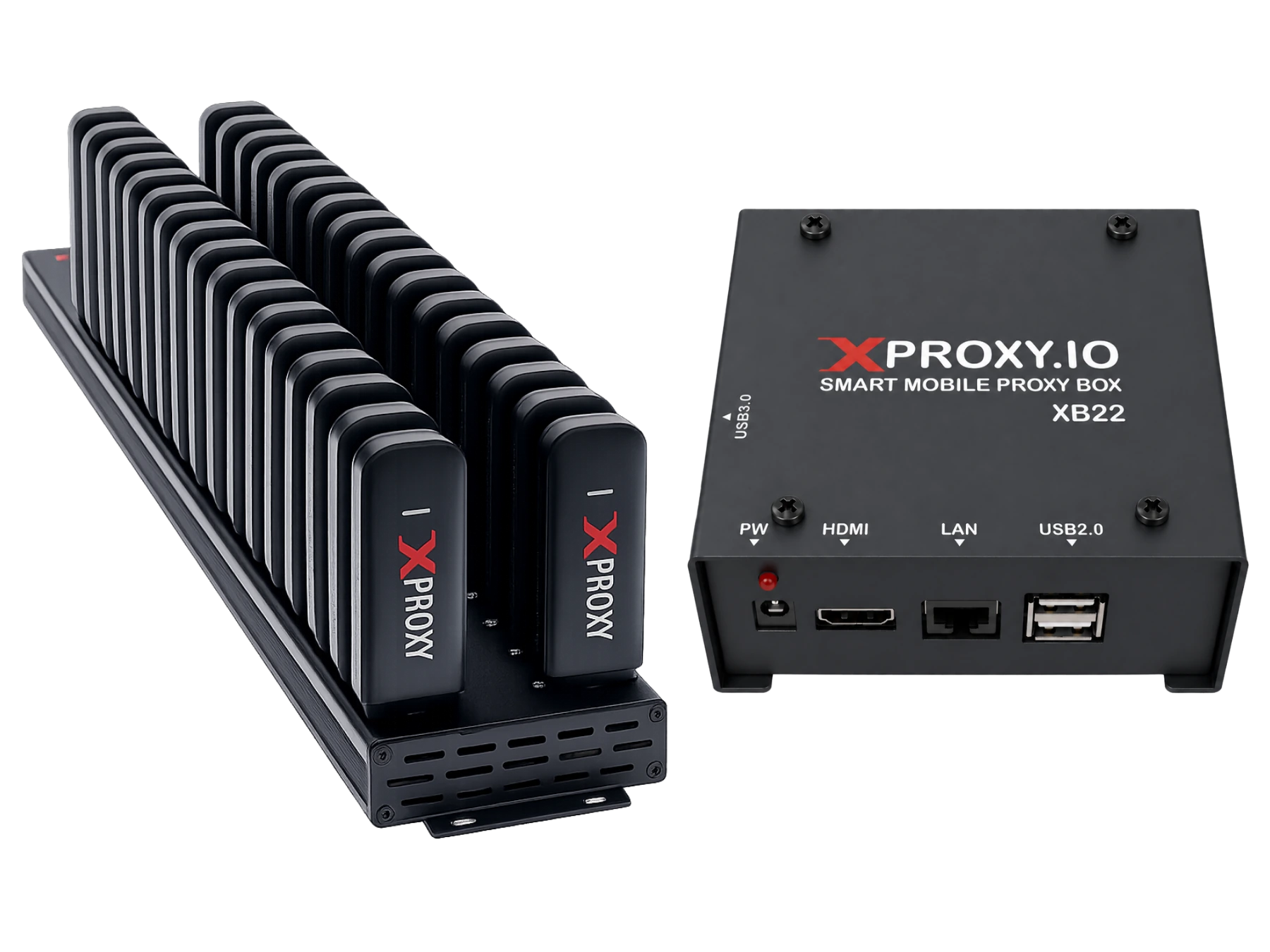
XProxy hardware & software lets you own private mobile proxy channels with unlimited data, zero bandwidth caps, SOCKS5 UDP support, and instant REST API IP rotation (Puppeteer & Playwright).